
Date Planner: The two-hour experiment I kept using
Date Planner started with a problem I understood professionally and personally. I had worked as a consultant in the online dating industry and written a book about dating. Coming up with an original, enjoyable date could still be a chore.
You are trying to account for another person's preferences, schedules, weather, food allergies, and the feeling you want the occasion to have. With online dating, that planning can happen a couple of times a week.
Around the time I met the person who is now my partner, I was diving into developing apps with AI. I decided to spend two hours building an app that could take my criteria and plan a date for me.
It worked. It was one of those moments when the result makes you stop and think, “I can't believe it's this good.”
The first test was a date I wanted to go on
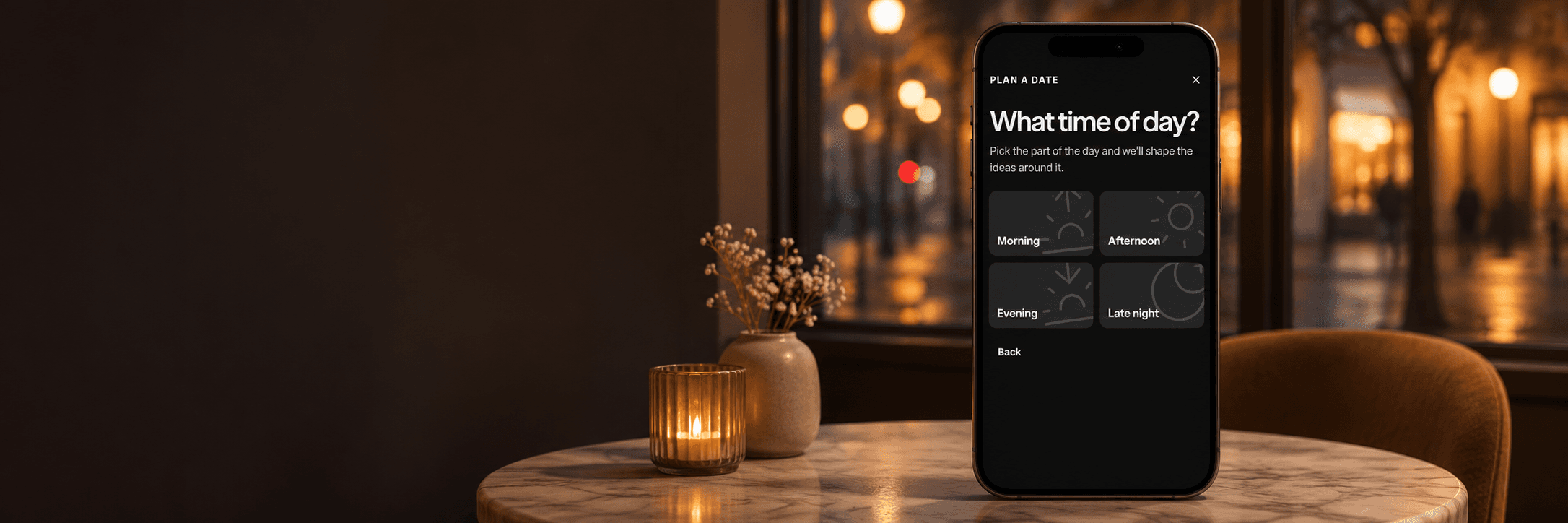
I gave that first version a location, a time of day, an occasion type, and a description of the vibe I wanted. It chose places and timing that felt right.
Then I changed the city. Paris, Tokyo, Mexico City, Ho Chi Minh City. I kept getting plans I was happy with. Those experiments convinced me there was something worth pursuing beyond the initial idea.
The two-hour build was the starting point. What made me keep developing it was that I kept using it.
Repeated use shaped the product
One of the questions I ask when choosing an app to build is whether I would use it myself. I have built apps I never actually used, and that has taught me a lot. Date Planner was one I kept coming back to.
Using it repeatedly made small points of friction easier to see. My aim is a flow-state user experience: someone comes in, completes a task, gets the result, and moves on with very little attention spent on the app itself.
I reduced the required input, added a location finder and an adjustable radius, and put the venues on a map. Users can tune individual venues as they shape the plan. Those changes came from trying to make the journey from an idea to a usable date feel easier.
That is the part of this story that matters most to me. AI made the first experiment possible in two hours. Continued use gave me a reason to refine it and showed me where the experience needed work.
Sometimes the first thing you need is an idea
A planner can help organize an occasion once you know what you want. But deciding what kind of date to have can be part of the difficulty.
Later in development, I used AI to create 50 distinct date ideas distributed across the app's occasion list. A user can choose one of those ideas as the starting input for the planning flow.
That gives people another way in. They can start with a specific occasion and their own description, or begin with an idea that appeals to them and develop it into a plan.
Making room for the details
The final step includes space for additional criteria in the user's own words. This gives people a place to describe preferences and circumstances that do not fit neatly into the earlier choices.
The app calculates travel between venues and creates an estimated total duration for the date. Our estimates use Google Maps and Places APIs. They do not use live traffic.
The map, venue adjustments, and free-text input are ways to help someone shape the result around the occasion they have in mind. A useful plan needs to fit into the time and place where it will happen.
Five free dates, then a subscription
Everyone gets to plan five dates for free, save them, and return to them later. To save more than five, the subscription is $4.99 per month or $49.99 per year.
Subscribers can save as many dates as they want. Creating new plans has a daily limit to keep AI usage costs under control. Unlimited saved plans and the number of new plans someone can generate are separate parts of the model.
Date Planner began as something I wanted for my own life. The strongest evidence to keep working on it was personal: I continued to reach for it. That habit gave the initial experiment a direction and gave each round of refinement a practical test.
What small task do you repeat often enough that you would notice if it became easier? Start with the inputs you already know, try a focused version for yourself, and pay attention to whether you return to it. Repeated use can show you which details deserve your next round of work.