
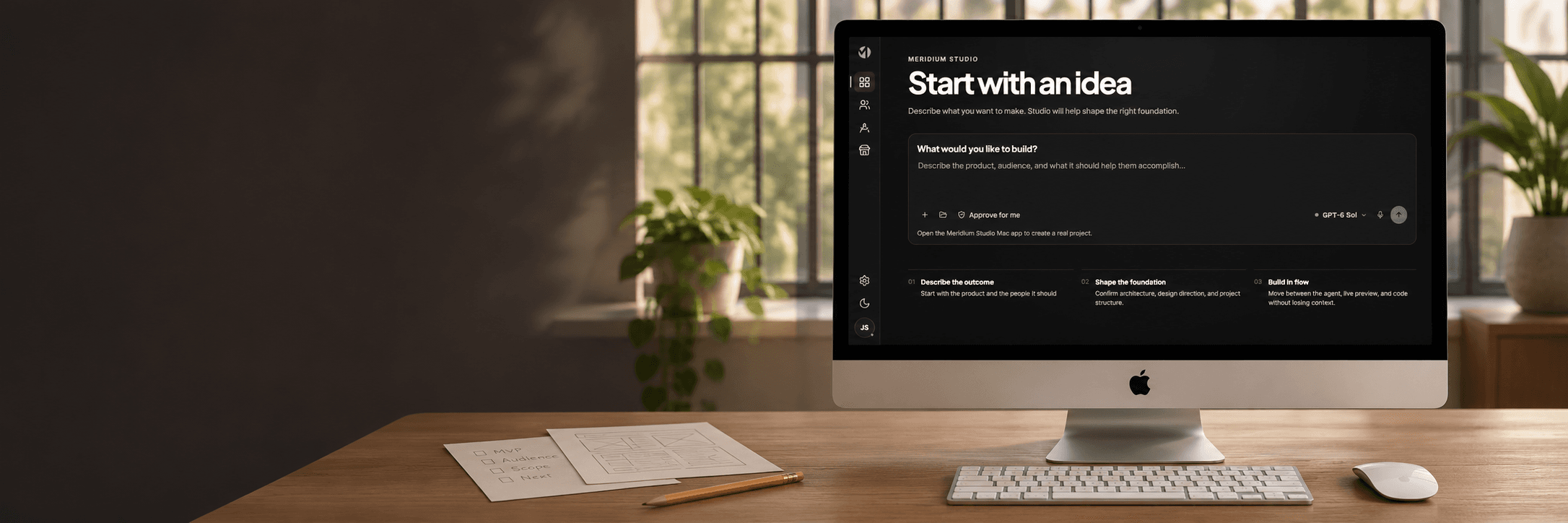
M | Studio: Building around the way we work
I started learning to build websites with AI through Magic Patterns. It was where I cut my teeth on designing with prompts: exploring what I could ask for, what worked, and where the limits were.
As the projects became more sophisticated, I needed a data source. That led me to Lovable with Supabase, where I designed and built some of our early projects. Later, I would design in Lovable, push the work to Git, and pull it into Cursor for the more technical development.
I then experimented with Claude Code and saw an improvement in the baseline UI design in my own work. It became a main tool for a time, but I found it expensive compared with Codex. I started experimenting with Codex, which has been our primary tool for the last couple of months.
Each stage taught me something about how I wanted to work. Studio grew from bringing the parts I valued into a tool built around our own workflow.
A workspace within Meridium
Studio is part of Meridium, our business operating system built around our own server, AI and ways of working. Nano manages the infrastructure, Materials holds knowledge and standards, and Studio is where the project work comes together.
The installation we are showing was built for Whispering. Studio is being shaped as a collaborative tool for me and the developer who is assisting me, with a Materials library that reflects our business and areas of expertise.
Begin with a project and keep its context close
A project can start blank or from a prompt. From there, you enter the Studio editor, where the project's tracking information is available alongside the work: tickets, bugs, features, requirements and plans. That tracking information is also available through Navigator.
Within the editor, you can switch between the project journal and the chat interface. The preview of the project sits on the right. It brings the conversation, the record of the work and the working result into the same workspace.
The experience draws on what we value in Codex, with project management and collaboration tools integrated around our process.
Give repeated work a shared foundation
One of the recurring problems in AI development is inconsistency. There are many ways to build a web form. If the AI approaches each new form differently, the differences accumulate: inconsistent components, weakened design systems and design drift.
That is why we created Materials. It holds our standards for software design, development and distribution, together with the best practices Studio refers to during the work.
The library is specific to our business and expertise. It gives the work a common reference point, and our automated AI testing agents check the results. The purpose is to keep the knowledge we have developed present in the way we build.
Separate the workspace from its AI engine
We also abstracted the AI services as an engine within Studio. That gives us a path toward switching to our own LLM as Meridium AI develops.
It is part of the wider Meridium approach: build the system around the business and give its different tools a shared foundation. Studio's project interface and our workflow can continue to develop as the AI services behind them change.
Getting closer to a daily driver
Today, we switch between Codex and Studio. Studio still needs refinement before it can become our daily driver, and it is getting closer.
There is an economic consideration too. In our current workflow, using Codex is cheaper than paying for the API services behind Studio. Our intention is to move to Studio full time once we switch those services to Meridium AI.
For now, Studio is a working tool being refined around the way we do our work: one project workspace, business-specific knowledge and standards, and a place for the collaboration we are building together.